Microsoft Office developer tool
Office Spy
Inspect live Object Model interfaces in Word, Excel, PowerPoint, Access, Publisher, InfoPath, Visio, and Project.
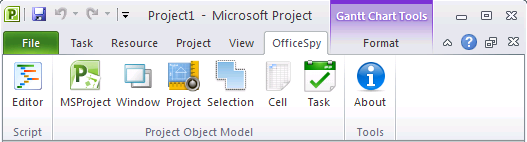
Select an object in an Office application, click an Office Spy ribbon button, and browse properties, methods, object hierarchy, collections, and live events from the current Office context.
Outlook is covered by the companion product OutlookSpy.
- Microsoft 365
- Office 2010-2021
- 32-bit and 64-bit
- Office Spy 2.2
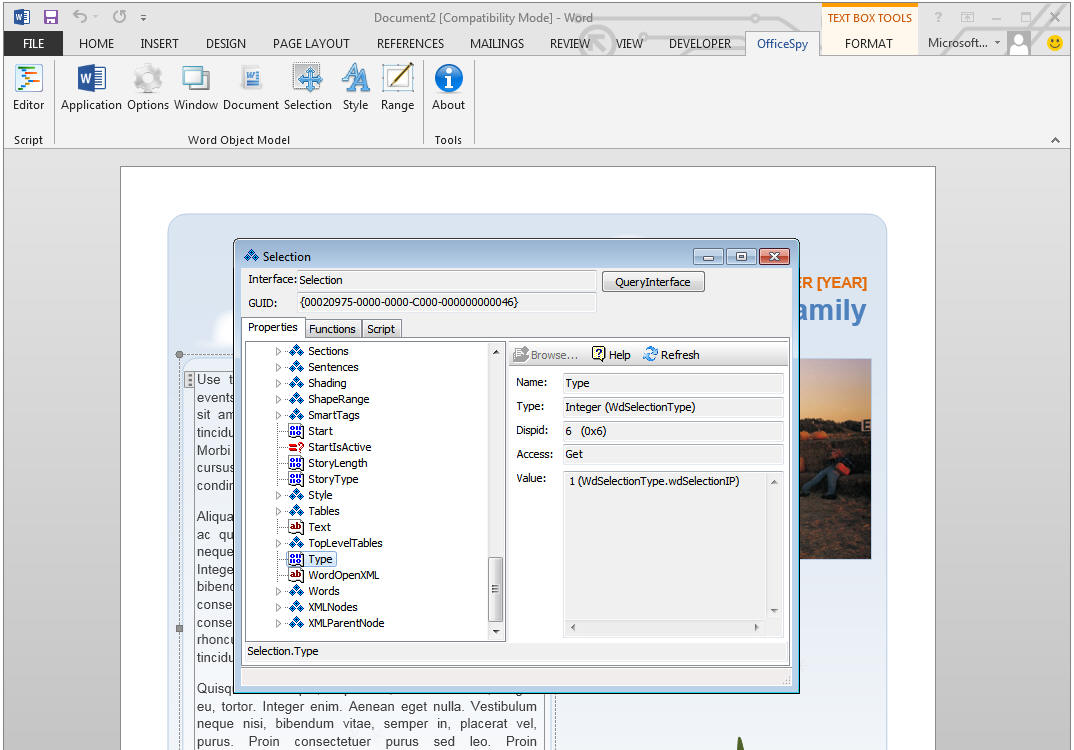

Inspect live Office objects from the ribbon
Office Spy is integrated directly into Office applications. It gives developers fast access to Object Model interfaces, property values, functions, object hierarchy, and event logs.
Use it from the object you already have selected: an active Excel cell, a Word paragraph, a PowerPoint presentation, an Access database object, or another object exposed by an Office application.
Supported Office applications




Office development is easier when you can see the live object model.